Etsy Print-on-Demand: The Complete Printify and Printful Setup Guide for 2026
Printify vs Printful for Etsy sellers: how to connect either one, what actually differs between them, and the mistakes that trip up new POD sellers. Try BeeSerp free.
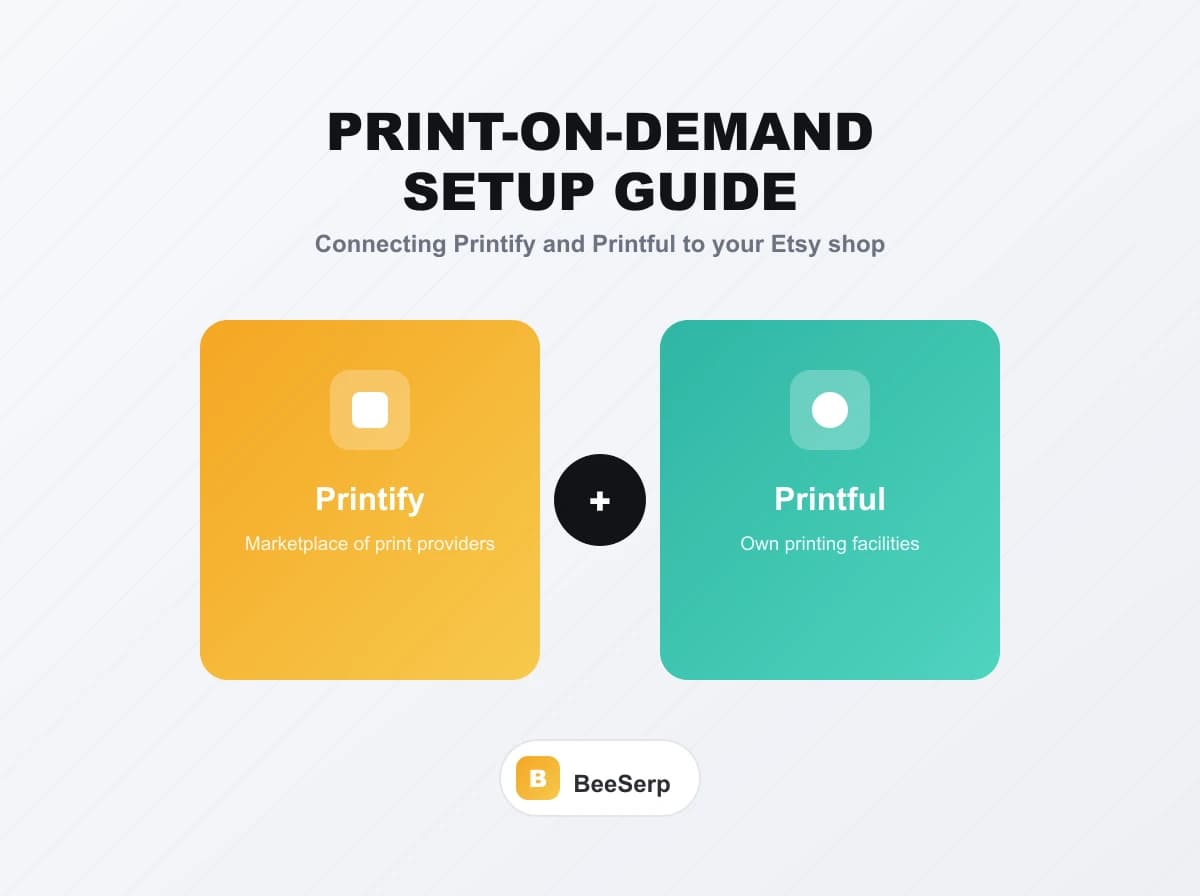
At some point every new print-on-demand seller hits the same fork in the road: Printify or Printful. Both connect to Etsy, both handle printing and shipping so you never touch inventory, and both show up constantly in "best POD company" videos. That doesn't make them the same, and picking the wrong one for your situation can mean slower shipping, thinner margins, or a product catalog that doesn't actually fit what you're trying to sell.
This guide walks through connecting either one to Etsy, what actually separates them, and how to avoid the mistakes that trip up most first-time POD sellers.
What Print-on-Demand on Etsy Actually Means
When you list a print-on-demand product on Etsy, you're not holding stock. A buyer orders, Etsy notifies your POD provider through an app connection, and the provider prints, packs, and ships the item directly to your customer using your branding on the package (where supported). You never see or touch the physical product unless you order a sample yourself.
Printify works as a marketplace of print providers. When you upload a design, you choose which of its many partner printers produces that specific product, and pricing and shipping times vary by which printer you pick. Printful, by contrast, owns and runs its own printing facilities, so there's one production pipeline instead of a marketplace of options.
Connecting Printify to Your Etsy Shop
- Create a free Printify account and choose Etsy from the list of sales channels during setup.
- Authorize the connection by logging into your Etsy account when prompted. This lets Printify push products directly into your shop and pull order data back.
- Pick a product and a print provider. Printify shows you multiple providers per product type, each with different base costs, print quality, and shipping regions. Compare a couple before settling on one.
- Upload your design and set your mockups. Printify's editor lets you place your artwork and generates the product photos you'll use on your Etsy listing.
- Set your retail price above the provider's base cost, factoring in Etsy's listing and transaction fees so your actual margin isn't a surprise.
- Publish to Etsy directly from the Printify dashboard. The listing appears in your shop, and orders placed on Etsy route back to Printify automatically for fulfillment.
Connecting Printful to Your Etsy Shop
- Create a free Printful account and add Etsy as a store in the platform's store settings.
- Authorize the Etsy connection the same way, logging in through the prompt to grant Printful access to push and sync listings.
- Choose a product from Printful's catalog. Since Printful runs its own production, there's a single set of pricing and turnaround times per product rather than multiple provider options.
- Design your product using Printful's built-in mockup generator, or upload a print file if you've already designed it elsewhere.
- Set your price with the same margin math: base cost plus your markup, minus what Etsy takes in fees.
- Sync the product to Etsy from Printful's dashboard. Orders sync back automatically once a buyer purchases.
Printify vs Printful: What Actually Differs
The biggest practical difference is choice versus consistency. Printify's marketplace model means you can often find a cheaper base cost by comparing print providers for the same product, but quality and shipping speed vary between them, so you're responsible for vetting whichever provider you pick. Printful's single-pipeline model means more consistent quality and turnaround since everything runs through facilities it operates directly, but you don't get to shop around for a cheaper base price on the same item.
Product catalog breadth tends to favor Printify slightly, since its marketplace pulls from many providers' offerings. Printful's smaller, more curated catalog is easier to browse but may not include as many niche product types.
Neither platform is a strictly better choice. Sellers optimizing hard for margin on a specific product often lean Printify, comparing providers until they find the best base cost. Sellers who want to test something quickly with less vetting, and who value knowing exactly what quality to expect every time, often lean Printful instead.
Common Mistakes First-Time POD Sellers Make
Never ordering a sample before listing
Print quality, color accuracy, and garment fit can differ meaningfully from the mockup image. Order at least one sample of any new product before it goes live, so you know exactly what buyers will receive.
Ignoring shipping times when choosing a provider
A cheaper base cost doesn't help if your shipping time is long enough to hurt your Etsy reviews. Check estimated production and shipping windows, not just price, before committing to a provider.
Setting prices without accounting for Etsy's fees
Base cost plus a flat markup isn't your real margin once Etsy's listing fee and transaction percentage come out. Calculate your actual take-home before you set a price you can't profitably sustain.
Uploading low-resolution artwork
Both platforms specify minimum resolution requirements for clean prints. Artwork that looks fine on screen can print blurry or pixelated if it doesn't meet the file's actual print-size requirements.
How BeeSerp Fits Into a Print-on-Demand Workflow
Printify and Printful handle production. What they don't handle is figuring out which product and niche is actually worth printing in the first place, or making sure the listing you build around it is optimized to get found on Etsy. That's the gap BeeSerp fills, with a keyword database of over 100 million Etsy search terms feeding directly into AI-generated titles, tags, and descriptions, plus SEO scoring built around Etsy's actual ranking signals.
For POD sellers specifically, BeeSerp's profit tracker is worth calling out. Since your margin depends on the exact combination of provider base cost, your markup, and Etsy's fees, tracking real profit per listing (not just revenue) tells you which product and niche combinations are actually worth scaling, regardless of which print provider you're using underneath.
Try BeeSerp free for 7 days and use it to research your next POD niche before you connect a new product to Printify or Printful.
Frequently Asked Questions
Can I use both Printify and Printful on the same Etsy shop?
Yes. Many sellers run products from both platforms in the same shop, choosing whichever provider offers the better base cost or catalog fit for each specific product.
Which one is cheaper, Printify or Printful?
It depends on the specific product and which print provider you compare within Printify's marketplace. Printify often has the potential for a lower base cost since you can shop between providers, but Printful's pricing is more predictable since there's only one option per product.
Do I need a Printify or Printful subscription to sell on Etsy?
Both platforms offer free plans that connect to Etsy without a subscription, though paid tiers unlock lower per-item costs and additional features on higher sales volume.
How long does shipping take with print-on-demand?
Production and shipping times vary by provider and product, generally ranging from a few days to a couple weeks total. Always check the specific provider's stated timelines before setting buyer expectations on your Etsy listing.
Do I still need to do keyword research if I'm using print-on-demand?
Yes, and it matters just as much as with any other Etsy listing. Print-on-demand removes the inventory and shipping work, but Etsy's search algorithm still ranks your listing based on the same title, tag, and relevance signals as any other product.
Printify and Printful both solve the production side of print-on-demand well, just with different tradeoffs between choice and consistency. Neither one solves the research and optimization side, which is where most POD listings actually win or lose on Etsy.
Try BeeSerp free for 7 days and build your next listing on real keyword data before you connect it to either platform.
Optimize your Etsy listings with AI
BeeSerp generates titles, 13 tags & full descriptions in seconds.
More Guides
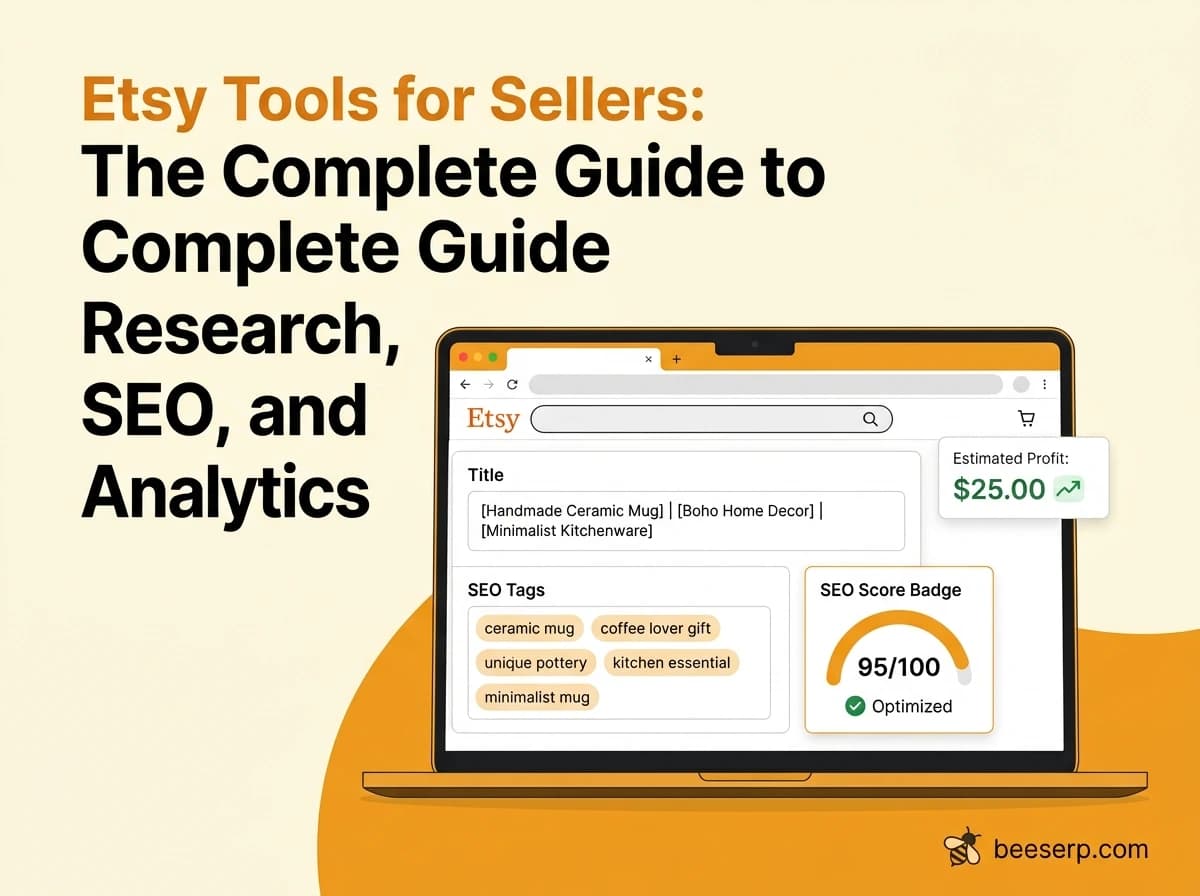
Etsy Tools for Sellers: The Complete Guide to Keyword Research, SEO, and Analytics
Compare the best Etsy tools for sellers — keyword research, SEO scoring, tag generators, and analytics — plus how to use them the right way. Try BeeSerp free.
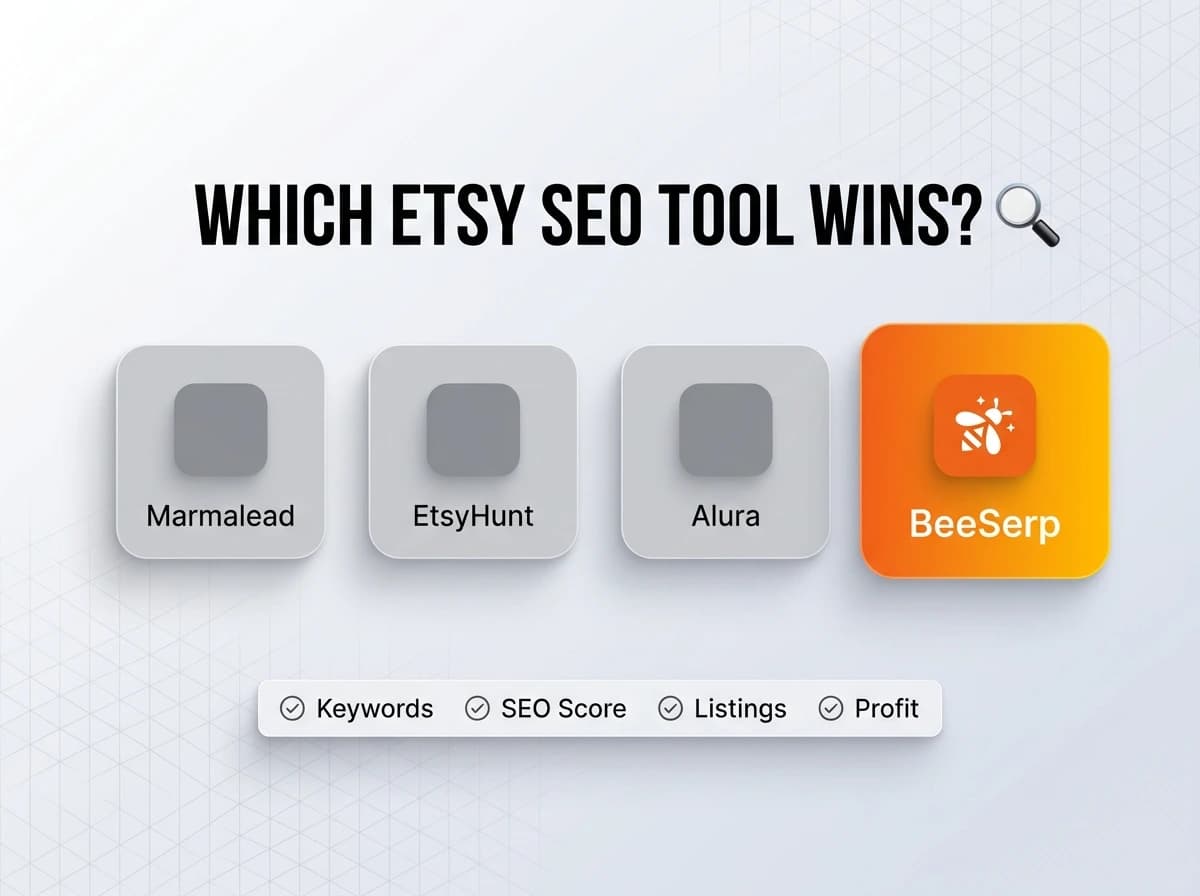
Marmalead vs EtsyHunt vs Alura vs BeeSerp: Which Etsy SEO Tool Is Actually Worth Paying For
Marmalead vs EtsyHunt vs Alura vs BeeSerp compared: keyword data, listing tools, and pricing broken down. See which Etsy SEO tool wins. Try BeeSerp free.
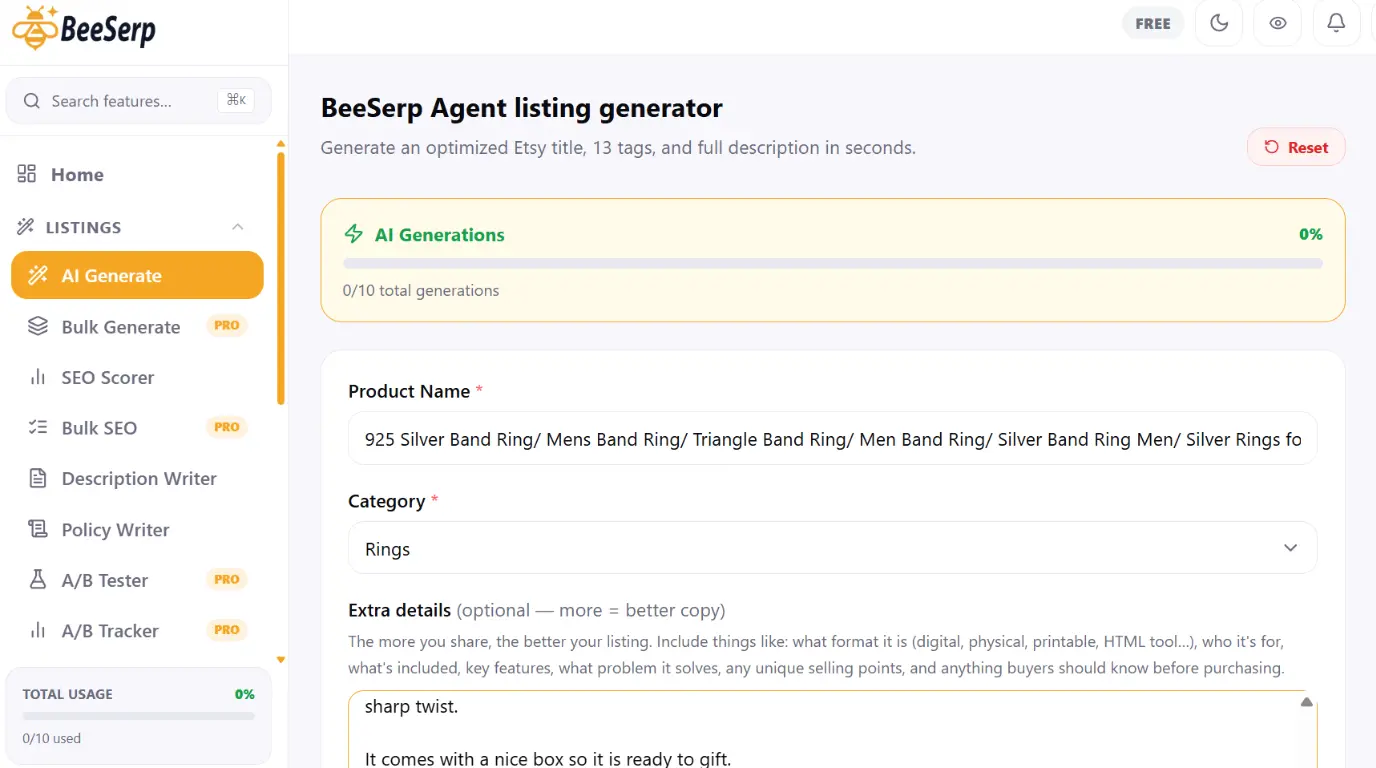
How to Write an Etsy Listing Title That Actually Ranks (2026 Guide)
A step-by-step 2026 guide to writing Etsy listing titles that rank — covers keyword placement, character limits, common mistakes, and how BeeSerp's SEO scorer and AI generator help you fix titles fast.